 By chloe
Managing volunteers shouldn’t feel like herding cats. Yet for many nonprofit administrators, coordinating schedules, tracking hours, and keeping everyone engaged becomes a full-time job on top of everything else. The right volunteer management software changes that equation completely, turning chaos into clarity and freeing up your time for what actually matters: your mission.
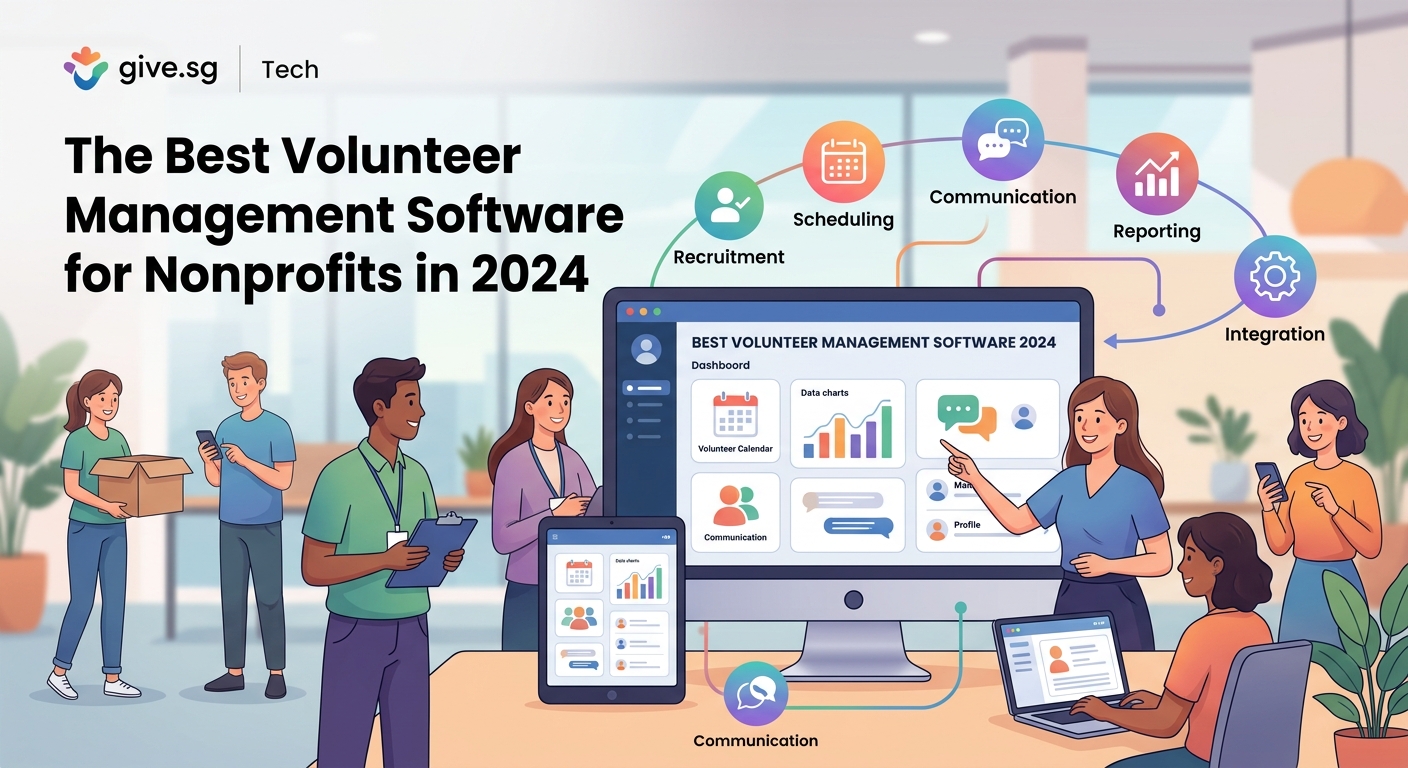
The best volunteer management software streamlines recruitment, scheduling, communication, and reporting through centralized platforms. Top solutions include Better Impact, Galaxy Digital, VolunteerHub, and Civic Champs, each offering unique strengths. Choose based on your organization’s size, budget, and specific needs like event management, skills tracking, or mobile access. Most platforms offer free trials to test fit before committing.
What volunteer management software actually does
Volunteer management software consolidates everything related to your volunteer program into one digital hub. Instead of juggling spreadsheets, email chains, and paper sign-up sheets, you get a single system that handles the entire volunteer lifecycle.
These platforms typically manage recruitment by creating public-facing volunteer portals where people can browse opportunities and apply. They automate scheduling so volunteers can sign up for shifts that fit their availability. Communication tools send automated reminders, updates, and thank-you messages without manual effort.
The software tracks volunteer hours, skills, certifications, and background checks. It generates reports showing program impact, retention rates, and volunteer demographics. Many platforms also include mobile apps so volunteers can manage their commitments on the go.
For organizations running multiple programs or locations, centralized dashboards provide visibility across the entire operation. Coordinators see who’s scheduled where, which positions need filling, and how volunteers are performing.
Core features to prioritize
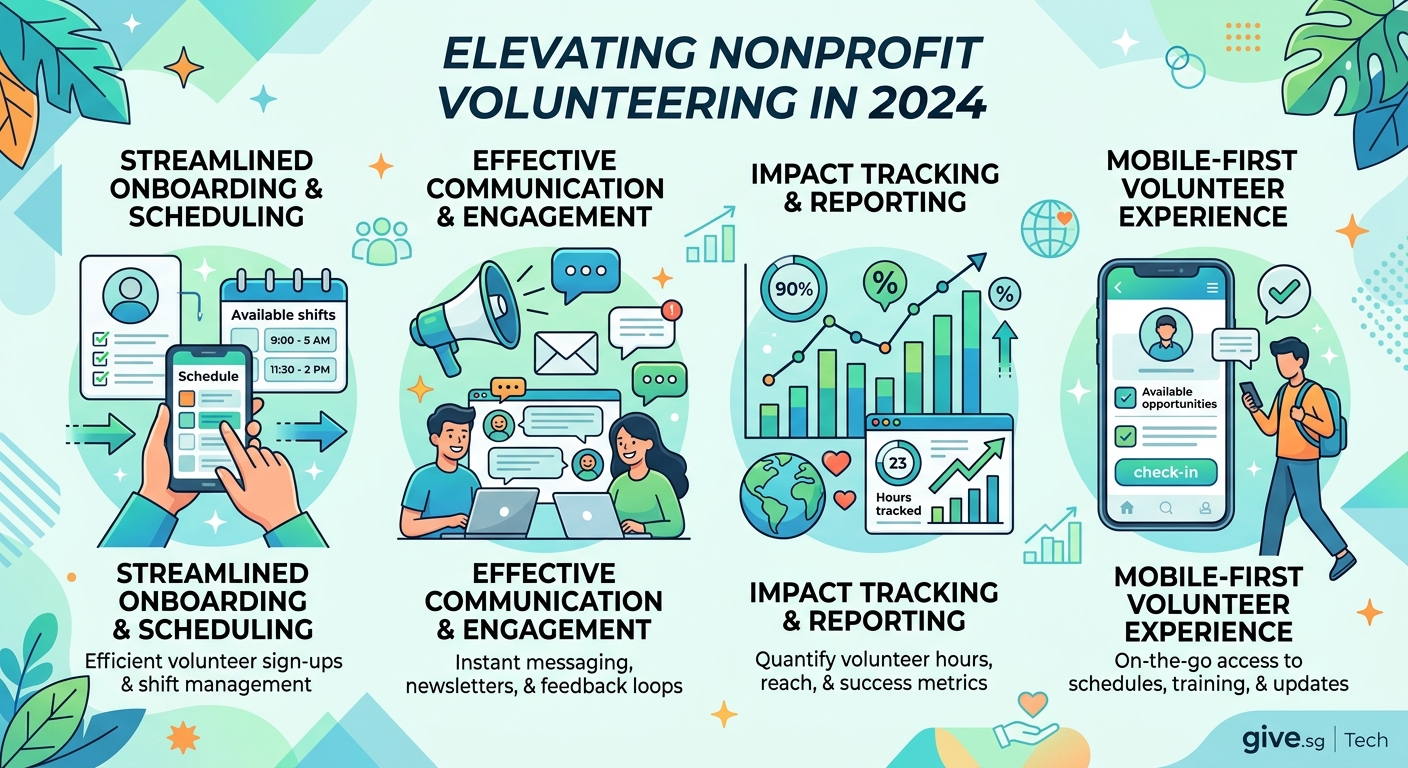
Not all volunteer management platforms offer the same capabilities. Focus on features that address your organization’s biggest pain points.
Scheduling and shift management should be intuitive for both coordinators and volunteers. Look for calendar views, recurring shift options, and waitlist functionality when opportunities fill up.
Communication tools need to support mass emails, targeted messaging to specific volunteer groups, and automated reminders. Text message capabilities matter if your volunteers prefer SMS over email.
Reporting and analytics help justify your program’s value to board members and funders. Standard reports should cover volunteer hours, retention, demographics, and program participation without requiring manual data compilation.
Integration capabilities determine whether the software plays nicely with your existing tools. Check for connections to your donor database, email marketing platform, and accounting software.
Mobile accessibility matters more than ever. Volunteers expect to manage their schedules from phones, not just desktop computers.
Customization options let you tailor the platform to your workflow rather than forcing you into rigid processes. Look for customizable forms, fields, and volunteer portals that match your branding.
Top platforms worth considering
Better Impact
Better Impact serves over 3,000 nonprofit organizations with a comprehensive volunteer management suite. The platform handles everything from initial recruitment through long-term retention.
Their volunteer portal lets people search opportunities by date, location, skills required, or cause area. Once registered, volunteers access their dashboard to view upcoming shifts, log hours, and update availability.
Coordinators appreciate the scheduling tools that support one-time events, recurring programs, and complex multi-day initiatives. The system sends automated confirmations and reminders, reducing no-shows significantly.
Better Impact’s reporting capabilities stand out. Pre-built reports cover standard metrics while custom report builders let you analyze specific data points. Export options work with Excel, PDF, and other formats.
Pricing varies based on organization size and features needed. Most nonprofits find the investment worthwhile given the time savings and improved volunteer experience.
Galaxy Digital Get Connected
Galaxy Digital focuses on creating engaging volunteer experiences that boost retention. Their platform emphasizes social features that build community among volunteers.
The software includes volunteer leaderboards, achievement badges, and social sharing tools that recognize contributions publicly. These gamification elements work particularly well with younger volunteers who expect interactive digital experiences.
Skills-based volunteering gets special attention. Organizations can match volunteers to opportunities based on professional expertise, certifications, or specific talents. This matters for nonprofits seeking pro bono legal help, marketing support, or technical assistance.
Galaxy Digital offers robust mobile apps for both iOS and Android. Volunteers manage everything from their phones, which increases engagement and reduces administrative questions.
Pricing tiers accommodate small grassroots organizations through large international nonprofits. The platform scales as your program grows.
VolunteerHub
VolunteerHub targets organizations that run frequent events and need streamlined check-in processes. Their kiosk mode turns tablets into self-service stations where volunteers sign in without staff assistance.
The platform handles volunteer applications with customizable forms that collect exactly the information you need. Automated workflows route applications for approval, trigger background checks, and send welcome messages to new volunteers.
Scheduling supports both individual shifts and group volunteering. Companies booking team volunteer days appreciate the group registration features that keep colleagues together.
VolunteerHub integrates with Salesforce, making it attractive for organizations already using that CRM. Data flows between systems automatically, eliminating duplicate entry.
Their customer support receives consistently positive reviews. Implementation includes training sessions and ongoing assistance as your team learns the system.
Civic Champs
Civic Champs brings modern design sensibilities to volunteer management. The interface feels more like consumer apps than traditional nonprofit software.
Text message communication sits at the platform’s core. Volunteers receive shift reminders, updates, and appreciation messages via SMS, which gets higher open rates than email.
The mobile app prioritizes simplicity. Volunteers complete tasks in just a few taps rather than navigating complex menus. This reduces friction and makes participation effortless.
Civic Champs includes volunteer feedback tools that gather input after each shift. Quick surveys help coordinators identify problems early and recognize exceptional volunteers.
Pricing starts lower than many competitors, making Civic Champs accessible for smaller organizations with limited budgets.
VolunteerMatters
VolunteerMatters serves organizations with complex volunteer programs spanning multiple departments or locations. The platform handles hierarchical structures where different coordinators manage separate teams.
Customization options run deep. Organizations configure custom fields, create unique volunteer roles, and design workflows matching their specific processes. This flexibility comes with a steeper learning curve but pays off for organizations with non-standard needs.
The platform tracks certifications, training completion, and credential expiration dates. Automated alerts notify coordinators when volunteers need recertification, preventing compliance issues.
VolunteerMatters offers white-label options for larger organizations wanting the volunteer portal to match their website seamlessly. Custom branding removes all references to the software provider.
Comparing key capabilities
| Feature | Better Impact | Galaxy Digital | VolunteerHub | Civic Champs | VolunteerMatters |
|---|---|---|---|---|---|
| Mobile app | Yes | Excellent | Good | Excellent | Limited |
| Event check-in | Standard | Standard | Kiosk mode | Standard | Standard |
| Skills matching | Yes | Advanced | Basic | Basic | Advanced |
| Text messaging | Add-on | Included | Add-on | Core feature | Add-on |
| Salesforce integration | No | Limited | Native | No | Limited |
| Custom branding | Limited | Good | Limited | Limited | Full white-label |
| Starting price | Mid-range | Mid-range | Mid-range | Lower | Higher |
Avoiding common selection mistakes
Many organizations choose volunteer management software based on features lists rather than actual usage patterns. A platform loaded with capabilities you’ll never use wastes money and complicates training.
Mistake one: Selecting software before mapping your current volunteer workflow. Document how volunteers currently join, get scheduled, receive communications, and complete assignments. Choose platforms that improve this specific workflow rather than forcing you into new processes.
Mistake two: Ignoring volunteer preferences during evaluation. Your volunteers will use this system more than you will. If they find it confusing or cumbersome, adoption fails regardless of how much coordinators love the admin interface.
Mistake three: Underestimating implementation time. Even user-friendly platforms require data migration, staff training, and volunteer onboarding. Budget at least two months for full implementation, longer for large organizations.
Mistake four: Skipping integration requirements. If the volunteer software can’t share data with your donor database, you’ll manually reconcile volunteer and donor records forever. Confirm integration capabilities before signing contracts.
Mistake five: Choosing based solely on price. The cheapest option often costs more long-term when you factor in limited features, poor support, or eventual platform switching. Calculate total cost of ownership over three years, not just year one.
Steps for successful implementation
Rolling out new volunteer management software requires planning beyond just technical setup. Follow this sequence for smoother adoption.
-
Audit your current data by cleaning volunteer records, standardizing formats, and removing duplicates. Migrating messy data creates messy databases that undermine the new system from day one.
-
Configure the platform to match your workflow before importing data. Set up volunteer roles, opportunity categories, communication templates, and custom fields. Test everything with dummy data first.
-
Train your team through hands-on sessions where coordinators practice common tasks. Record training videos for future reference and new staff members.
-
Pilot with a subset of volunteers before full rollout. Choose engaged volunteers who’ll provide honest feedback and help identify issues. Refine based on their experience.
-
Communicate the change to all volunteers with clear explanations of benefits and step-by-step instructions. Offer multiple training options: live sessions, video tutorials, and written guides.
-
Provide ongoing support through the transition period. Expect questions and confusion initially. Designate team members to answer volunteer questions promptly.
-
Gather feedback regularly after launch. Survey volunteers monthly for the first quarter, then quarterly thereafter. Use insights to optimize your configuration and processes.
Making the most of your investment
Purchasing volunteer management software represents just the starting point. Organizations that maximize value treat the platform as a strategic tool, not just administrative software.
“The best volunteer management software becomes invisible to volunteers. They don’t think about the technology; they just experience a smooth, welcoming process that makes them feel valued and keeps them coming back.” – Nonprofit Technology Consultant
Set up automated communication sequences that nurture volunteers from first contact through long-term engagement. Welcome emails introduce new volunteers to your mission. Pre-shift reminders reduce no-shows. Post-shift thank-you messages reinforce appreciation. Anniversary emails celebrate volunteer milestones.
Use reporting data to identify retention risks early. Volunteers who miss scheduled shifts or haven’t signed up recently might need personal outreach. Proactive contact prevents attrition better than reactive recruitment.
Create volunteer pathways that help people deepen involvement over time. Someone starting with occasional event help might eventually lead programs or join your board. Track volunteer progression and invite advancement when appropriate.
Integrate volunteer data with fundraising systems. Volunteers donate at higher rates than non-volunteers. Recognizing someone’s volunteer contributions in donation appeals increases response rates and gift sizes.
Mobile-first considerations
Volunteers increasingly expect mobile-native experiences. Platforms designed desktop-first with mobile as an afterthought create friction that reduces participation.
Test the mobile experience yourself before choosing software. Create a volunteer account and complete common tasks on your phone. Does the interface require zooming and precise tapping, or does it flow naturally? Can you register for an opportunity in under a minute?
Check whether the mobile app requires internet connectivity or works offline. Volunteers serving in areas with spotty coverage need offline capability to check in, view details, and log hours.
Consider how volunteers will use mobile features in practice. Someone checking the schedule while commuting needs large, readable text and simple navigation. A volunteer checking in at an outdoor event needs a process that works with gloves or in bright sunlight.
Budget planning beyond subscription costs
Volunteer management software pricing usually follows subscription models based on volunteer numbers, active users, or feature tiers. Published prices rarely tell the complete financial story.
Factor in implementation costs including data migration, custom configuration, and integration development. Some vendors include implementation in the base price; others charge separately.
Training expenses add up when you count staff time for learning the system, creating training materials, and educating volunteers. Organizations with high volunteer turnover face ongoing training costs.
Integration fees apply when connecting the volunteer platform to other systems. Some integrations require middleware or custom development that carries setup and maintenance costs.
Support costs vary dramatically between vendors. Basic plans might include only email support with slow response times. Premium support with phone access and dedicated account managers costs more but prevents costly downtime.
Plan for annual price increases. Most software vendors raise prices 3% to 8% annually. Lock in multi-year agreements if you’re confident in your choice and the vendor offers discounts.
Security and compliance essentials
Volunteer management platforms store sensitive personal information including contact details, background check results, and sometimes health data. Security matters tremendously.
Verify that platforms encrypt data both in transit and at rest. Ask about security certifications like SOC 2 Type II that demonstrate third-party validated security practices.
Understand data ownership and portability. If you switch platforms, can you export all volunteer data in usable formats? Some vendors make data extraction difficult, creating lock-in.
Review privacy policies and data processing agreements carefully. If you serve volunteers in the European Union, ensure the platform complies with GDPR requirements. California-based volunteers trigger CCPA considerations.
Check whether the software supports volunteer self-service for data access and deletion requests. Privacy regulations increasingly give individuals rights to view and remove their personal information.
Consider where data gets stored physically. Some organizations require data to remain in specific countries or regions for legal or policy reasons.
Getting started with confidence
Choosing volunteer management software feels overwhelming given the options and stakes involved. Your decision affects volunteer experience, staff efficiency, and program success for years.
Start by requesting demos from three to five platforms that seem promising based on your requirements. Come prepared with specific scenarios from your volunteer program. Ask vendors to demonstrate how their platform handles your exact situations, not just generic features.
Take advantage of free trials. Nothing replaces hands-on experience with the actual software. Involve multiple team members and volunteers in testing. Different perspectives reveal issues you might miss alone.
Check references carefully. Ask vendors for contacts at organizations similar to yours in size and mission. Reference calls uncover real-world experiences that marketing materials never mention.
The best volunteer management software for your organization balances functionality, usability, and cost while fitting naturally into how your team actually works. Trust your evaluation process, start with a clear implementation plan, and remember that the goal isn’t perfect software but better volunteer experiences that advance your mission.